August 16, 2026
Fluid glass hover effect
Here you can play with the “fluid glass” hover effect this site uses on key assets. I had a rough idea of what I wanted, a few inspiration examples, and my site’s moodboard. I shared all of this with Claude and asked for a simple tool where I could tune the effect to my liking. The one I actually used was just a one-off artifact in the Claude app though, so this is a recreated variant.
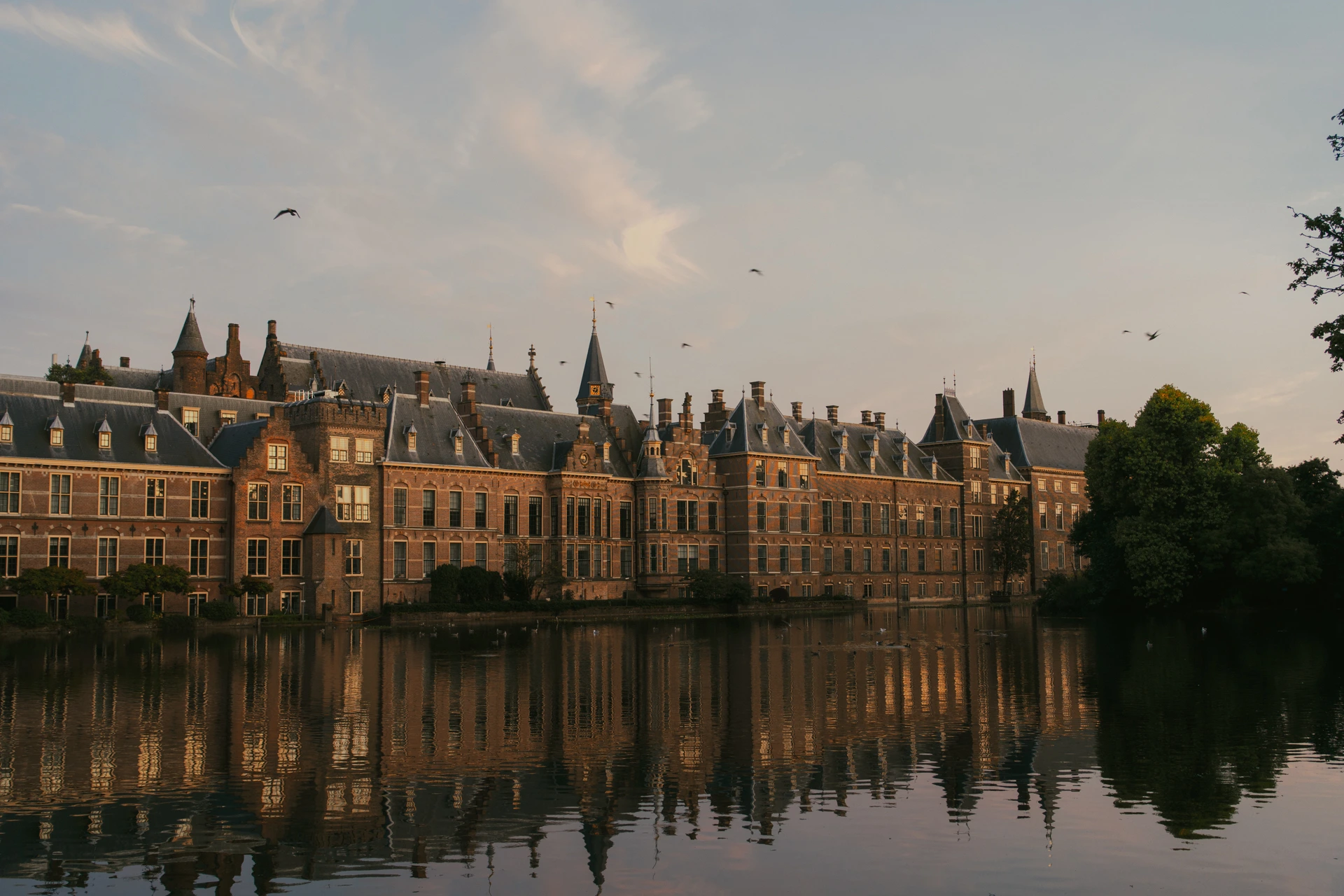

The tool needs JavaScript, WebGL and motion switched on. Above is the source, untouched — which is also what the effect renders once the trail has settled.
The effect is switched off on touch devices currently (because it’s tricky when combined with scrolling and tapping), but in the tool above it still works by dragging a finger across it.
The parameters
The effect has eight sliders. I’m not using frost or shine at all in my implementation, but I’ve left them there to play with.
- Radius – how big the “brush” is.
- Strength – how far the image is allowed to bend.
- Decay – how long the trail hangs around before it’s gone.
- Aberration – how far the red, green and blue channels drift apart.
- Direction – whether it behaves like a lens that pinches and magnifies, or like a shear that slides sideways.
- React – whether the lens sits there at full strength, or only wakes up where you’re actually moving.
- Frost – blends in a blurred version of the image where the trail is strongest, like frosted glass.
- Shine – adds a bright highlight that follows the trail.
It’s built with WebGL and only switches on once you hover for performance and accessibility reasons, so there’s always a plain image underneath. It switches off again once your cursor leaves and the trail has fully decayed.